
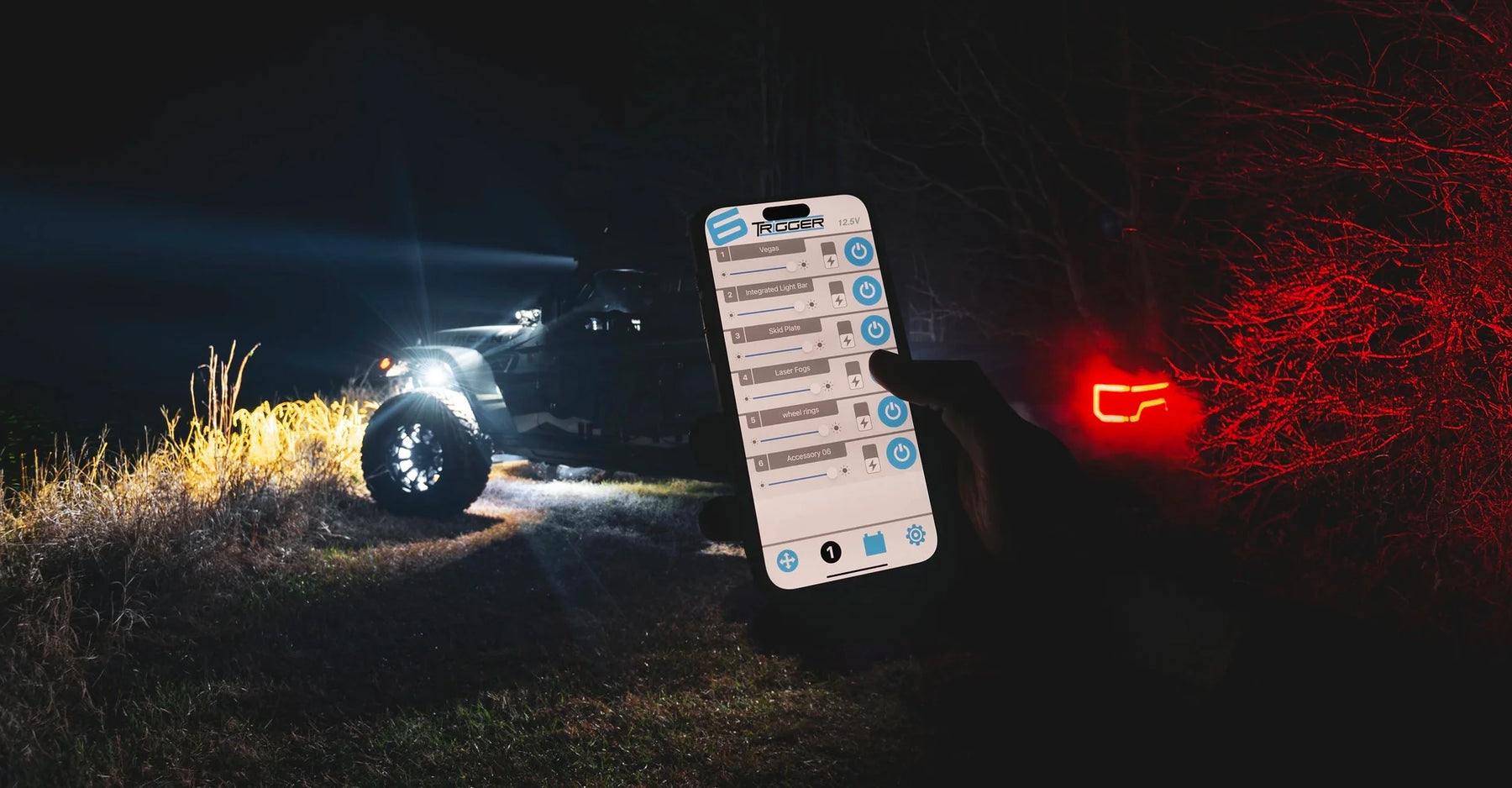
How to Use the Trigger Plus App Like a Pro
by Terry Pritchard
Whether you're upgrading your Jeep, Bronco, Toyota or tow rig, the Trigger Plus App gives you full control of your accessories from the palm of your hand. Paired with the Trigger Six Shooter or Trigger 4 Plus, this Bluetooth-enabled app takes your build to the next level with smart, wireless functionality. But are you really getting the most out of it?
Here’s how to use the Trigger Plus App like a pro — with tips, tricks, and features you may not even know about.
Get Connected: Quick Setup
First things first, download the TRIGGER ACS PLUS app from the App Store or Google Play. Once installed:
Power up your Trigger controller.
Open the app and allow Bluetooth permissions.
Your device should automatically pair.
Pro Tip: Set up Instructions are included in the app.

Customize Your Accessory Controls
Tap into the full potential of your setup by customizing each switch:
Rename Channels – Change "Accessory 1" to "Front Bumper Lights" or "Rock Lights" to keep things organized.
Backlight Color – Match your rig’s theme with custom backlight colors for each switch.
Pro Tip: Be creative when naming OR use brand name OR keep it simple, like “Rock Lights”
Master Advanced Features
Once you're set up, go deeper with these advanced capabilities:
Strobe Functionality – Use the strobe feature for safety, visibility, or just to show off at night meets.
Dimmer Control – Adjust brightness levels on compatible lighting to reduce glare during group rides.
Momentary Switch - Use the switch as a momentary switch which will power as long as switch is pressed.
Pro Tip: Use one app to control multiple Trigger Controllers or Relays.
Monitor Your Battery Like a Boss
No one wants to be stranded with a dead battery. The Trigger Plus App has you covered:
Live Voltage Monitoring – Keep an eye on your vehicle’s battery in real-time.
Low Voltage Cutoff – Set a voltage threshold to automatically shut off accessories before your battery gets too low.
Pro Tip: Set notifications so you know exactly when you're approaching the cutoff.
Use With Your Physical Controller
The app works in tandem with your physical Trigger RF remote. That means:
You can activate accessories manually or with your phone.
You can mount the switch pod wherever it’s most convenient, and control it wirelessly.
Pro Tip: Mount your remote in a removable location using the magnetic mount for max flexibility.
Stay Updated
Trigger Lighting continues to release updates and new features for the app. Make sure your app is up to date for the best performance and latest functionality.
Pro Tip: Follow ORACLE Lighting and Trigger on social media to stay in the loop with app updates, new product releases, and tips from the community.
Final Thoughts
The Trigger Plus App isn’t just a convenience — it’s a command center for your adventure rig. Whether you’re crawling rocky trails at night or setting the vibe at the next Jeep meet, learning how to use this app like a pro gives you total control with minimal effort.
Have a unique setup you want to show off? Tag @OracleLights and #TriggerController on Instagram — we love seeing how you're using the Trigger Plus App in the wild!
Jeepin’ Terry is the Events & Off-Road Content Specialist for Oracle Lighting. In his spare time, he is the host of the Jeep Life Podcast and co-founder of the Jeep Enthusiasts of Eastern Pennsylvania, one of the largest Jeep clubs in the state. His obsession with Jeeps started in the 80s with his boss’s big bad blue CJ5. Growing up in the mountains of Tennessee, Terry spent plenty of time on the trails and in the outdoors. His 2017 Wrangler, named Kylo, has been to California and back and everywhere in between, finding trails and adventures everywhere… and constantly asks for more.